Restore, not boot: a clean Mac in under 200 ms
5 min read
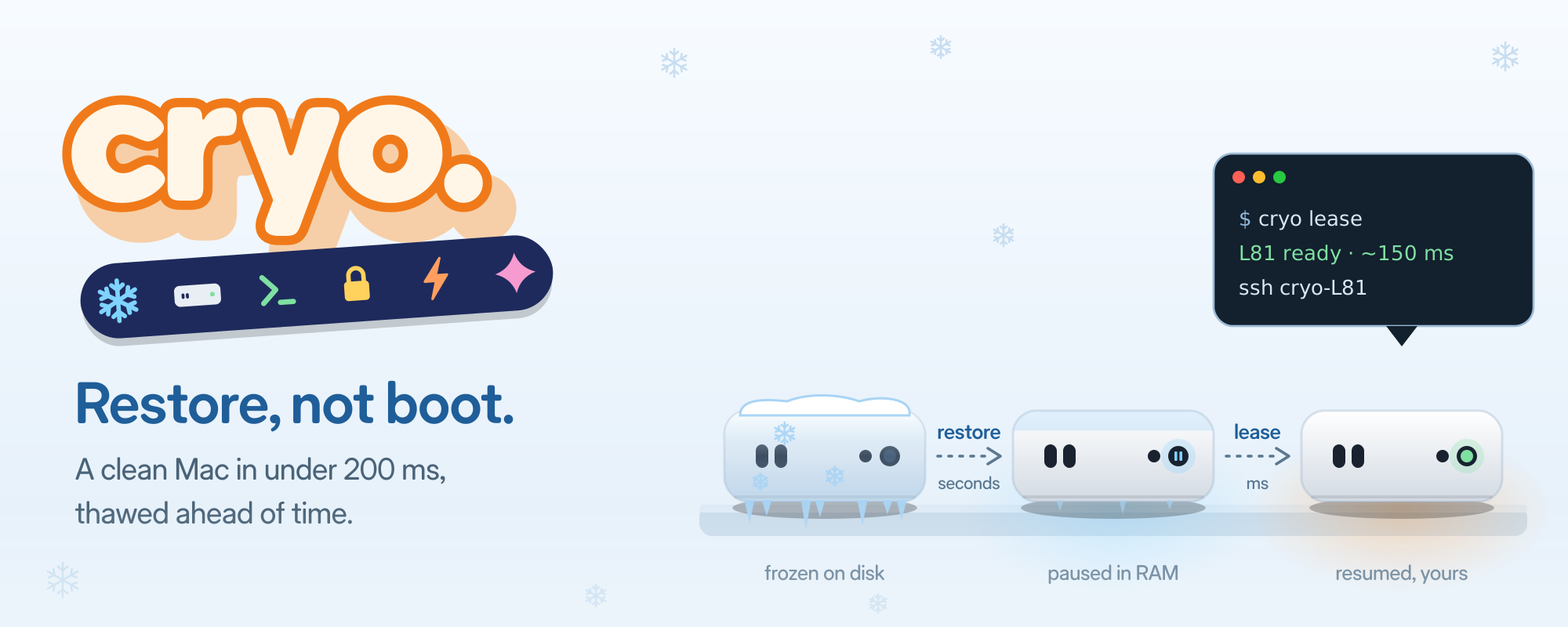
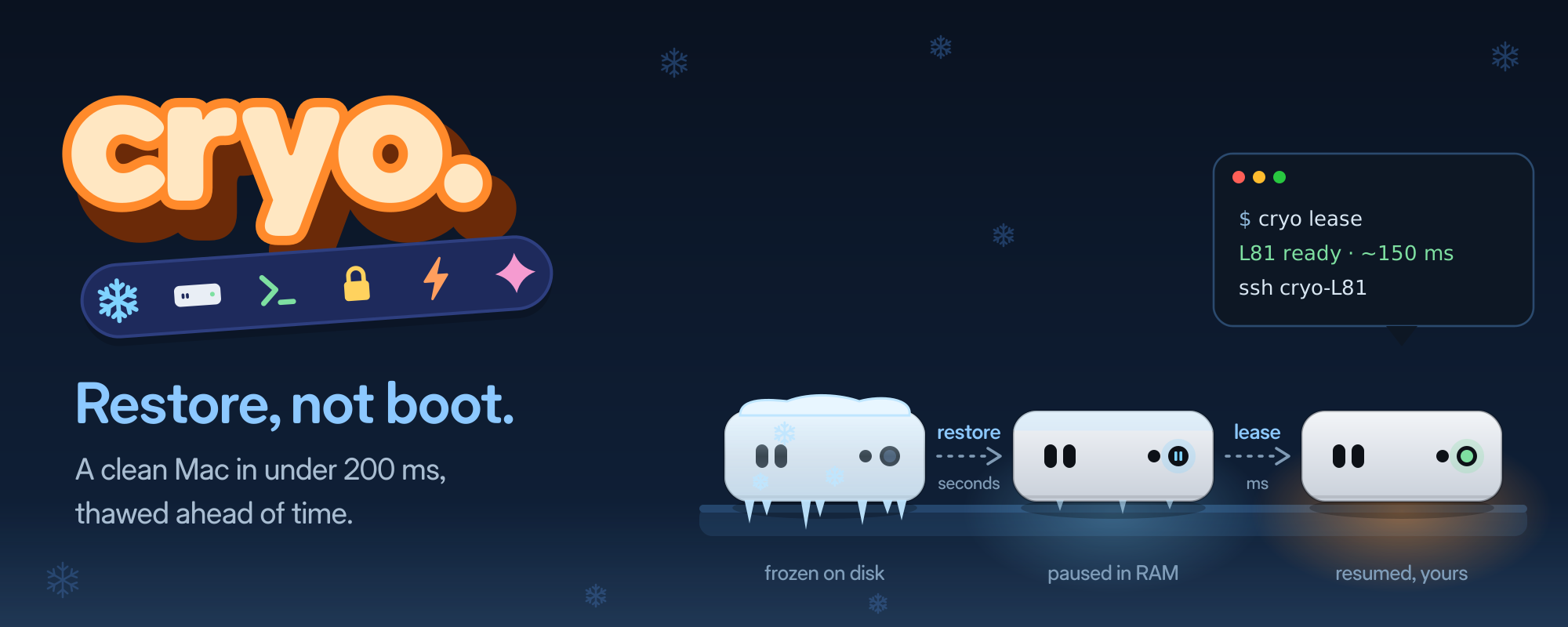
When I launched Cryo, the first item on the list was “restore, not boot.” This post is about that one line: how a lease goes from many seconds to about 150 ms, and what I measured on the way.
cryo lease # L81 ready: ssh cryo-L81That command returns in 135–198 ms on my M1 Pro, with Xcode in the image. The VM behind it is clean, has its own SSH key and has never been used.
Cold boot is the slow way
A macOS VM that boots from scratch takes about 9–10 s before SSH answers. That is fine once a day. It is too slow for an agent that wants a fresh Mac for every task, or for CI that runs dozens of jobs.
Apple’s Virtualization framework can save a running VM’s full machine state to a file and restore it later. CPU, memory, devices, everything. Restoring is like waking a laptop from sleep instead of turning it on.
Here is what each approach costs, measured on one MacBook Pro M1 Pro running macOS 27.2:
cold boot → SSH                   ~9–10 s
restore from disk → SSH           ~2.6 s (4 GB VM)  ~4.2 s (8 GB, Xcode)
resume a restored VM → SSH        ~0.65–0.8 s
resume a VM paused after rekey    135–198 ms
Each line is the previous one with more work moved out of the moment someone asks.
Restore speed is memory size
Restoring reads the saved state file, which is about the size of the memory the guest was using. It came back at roughly 750 MB/s, well under what the SSD can do; the file is encrypted to the host, so decryption is the likely limit.
So less memory means a faster restore. An 8 GB VM saved about 3 GB of state; a 4 GB one about 1.4 GB. That is the gap between 4 s and 2 s.
Thaw ahead of time
The real trick is to not restore while someone waits. Cryo restores each VM ahead of time and leaves it paused in memory. I call that a thawed capsule. A lease is then just “resume, then log in once.”
 frozen on disk ──restore──▶ paused in RAM ──lease──▶ resumed, yours
                 (seconds)                  (ms)
There is a limit. macOS 27.2 allows two VMs per Mac, and paused VMs count. A third restore fails with “maximum supported number of active virtual machines.” So each Mac holds two warm capsules, no more.
Where the last second went
The first version of a pre-thawed lease took about 1.5 s. Almost none of that was the VM.
- The first SSH login after a resume was cold. sshd, PAM and directory services all paged in their code on that first login. Logging in three times just before saving the state puts those pages into the snapshot. Lease time dropped from 1501 to 705 ms.
- Clearing memory before saving made it worse. It evicted exactly the pages those warm-up logins brought in, and barely shrank the file. Taking it out gave another ~60 ms.
- My own SSH config was slow. A password-manager agent and a couple of
Includelines added ~165 ms to every connection. Cryo now writes its own SSH config for each lease and ignores yours.
That got a lease to about 0.65 s. What was left was mostly the resume itself: about 0.6 s, whatever the RAM or CPU count.
Resume a VM that was running
The last step came from a side effect. Every lease needs its own SSH host key and hostname, so I had to change both after restore. I first did that during the lease, which cost time.
Then I moved it to the refill. After a release, the bay restores the capsule, resumes it, gives it a new host key and hostname, logs in three times, and pauses it again. It never saves it.
Resuming a VM that was paused while running costs 1–25 ms. Resuming one that was just restored costs ~0.6 s. So a lease from that state is a resume plus one login that also sets the guest clock. On the bay that runs my iOS CI today, that is 135–198 ms.
release ─▶ restore ─▶ resume ─▶ new host key + hostname ─▶ 3 warm-up logins ─▶ pause
           └──────────────────── refill: 7.5–11.4 s, off the lease path ─────────────┘

lease   ─▶ resume ─▶ set clock over SSH ─▶ ready        135–198 ms
Traps I hit
- A locked screen breaks restore. The saved state is protected by the keychain. Restores fail with “permission denied” once the screen locks. VMs already paused in memory keep working. So a Cryo Mac stays logged in and unlocked.
- One identity can’t run twice. Restoring a second VM from the same state fails, even from a copy of the file. Each capsule is frozen on its own, with its own machine ID and MAC address.
- Saved state is tied to the Mac. It can’t move to another machine. Each Mac freezes its own capsules from a shared golden image.
- Some freezes come back with a stalled network. About 2.7 s of dropped packets after resume, on some saves and not others. I have not found the cause. Cryo now tests every freeze once and refreezes if the first SSH takes more than a second.
- Never freeze with the Simulator running. Its services all relaunch after a restore and the VM grinds for a while.
What it does not do yet
- Refill takes 7.5–11.4 s. With two capsules busy, the next lease waits for a release plus a refill.
- Two warm capsules per Mac. That is Apple’s limit. Extra warmth can only live on disk.
- The Mac must stay unlocked for refills to work.
The full design is in the capsule spec. The code is at github.com/rizwankce/cryo.