Cryo: builds that start warm
6 min read
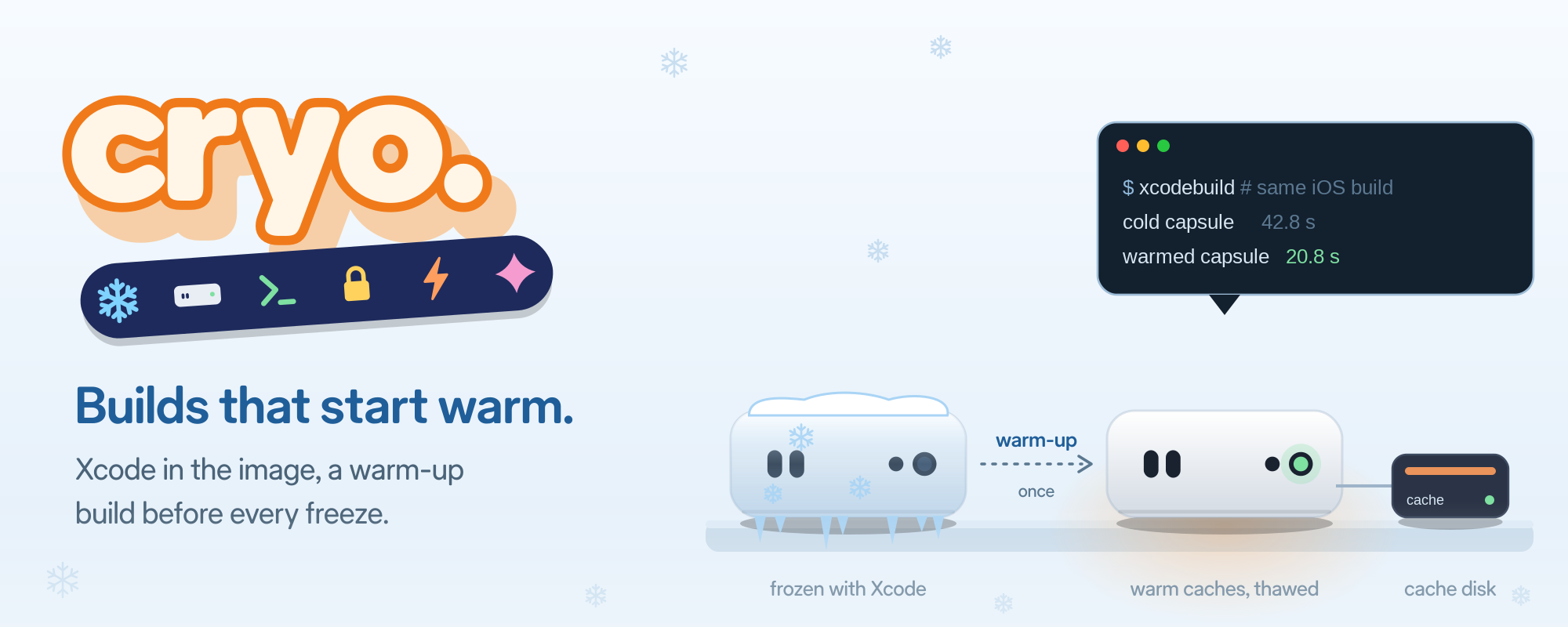
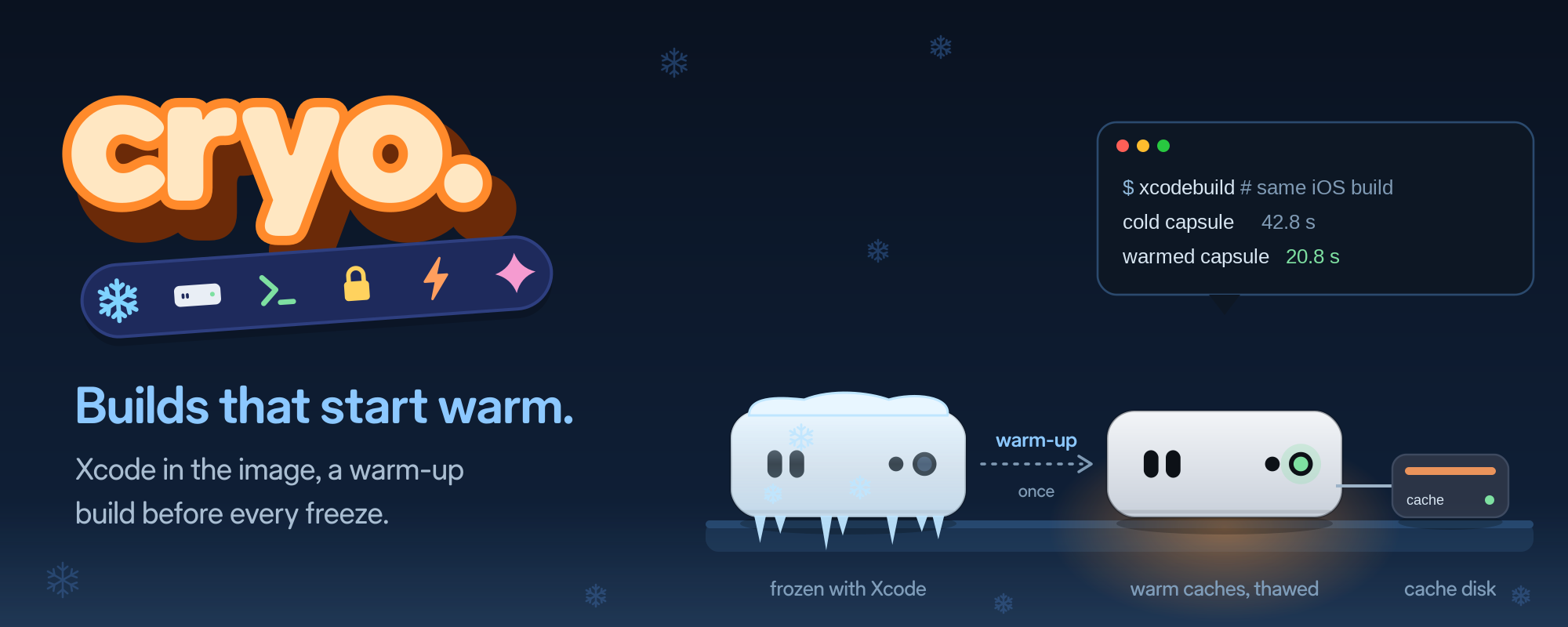
In the Cryo launch post one line on the wishlist was “builds that start warm”. This post is about that line.
A clean VM for every lease is the point of Cryo. It is also the problem. Clean means no DerivedData, no module cache and no Simulator that has booted before. The first xcodebuild in a fresh lease pays for all of that.
Where the time goes
I measured this with a test project: a Swift package with 60 SwiftUI files and a Swift Testing target, run with xcodebuild test on an iPhone Simulator, in a capsule with 4 vCPU and 8 GB.
| Run | Time |
|---|---|
First xcodebuild test in a fresh lease |
77–105 s |
| Same, run again (warm DerivedData) | 24 s |
| Simulator boot on its own | 19.6 s |
| Warm test, Simulator already booted, no parallel clones | 4.7 s |
Two things stand out. The first run is cold. And even when it is warm, most of a test run is the Simulator, not the compiler. Cryo has an answer for each.
A golden image with Xcode in it
Every capsule is frozen from a golden image. One command builds it:
cryo image build --xcode    # macOS + your Xcode + the iOS Simulator runtime
cryo image use <digest>     # freeze both capsules from it
image build downloads the newest macOS restore image from Apple, installs it on a fresh disk, creates a cryo user with SSH, and turns off sleep, Spotlight and automatic updates. With --xcode it copies the Xcode you have selected on the host into the VM, accepts the license, runs first launch and downloads the iOS Simulator runtime. No Apple ID is needed.
On my M1 Pro the whole build took about 16 minutes and made a 56 GB image. Images are named by a digest of their contents, so “the Xcode 27.2 image” cannot quietly mean two different things on two Macs.
Bundling Xcode doesn’t slow leases down. The disk is not part of the saved state, so a lease from the Xcode image is as fast as one from a plain image.
A warm-up build before the freeze
Xcode in the image is not the same as a warm Xcode. A fresh capsule with Xcode still built my 60-file iOS package in 48 s.
Most of that turned out to be shared work that every project redoes: the SDK’s precompiled modules, the module cache and the compilation cache. They live at the root of DerivedData, not inside a project’s folder. So I tried building a different, much smaller SwiftUI package first, deleted its project folder, and then built the real one. It went from 48 s to 15–21 s.
That is now part of the freeze. cryo image use runs a warm-up build for the iOS Simulator before it freezes a capsule:
image ──▶ boot capsule ──▶ warm-up build ──▶ freeze
                           (~45–51 s, once)     │
                                               ▼
                          every lease thaws with the shared caches already warm
On the real bay, the same iOS build in a lease took 20.8 s on a warmed capsule and 42.8 s on a cold one. The warm-up costs under a minute per freeze and saves around 20 s on every lease after it.
It does not boot a Simulator. A capsule frozen with a booted Simulator restores fine and then falls over within a minute, with hundreds of processes and repeated crash reports. So the rule is simple: never freeze with a Simulator running.
Per-project cache disks
The warm-up covers what every project shares. Your project’s own packages and build products are a different story. For those there are cache disks:
cryo lease --cache myapp          # /Volumes/Cache in the guest
cryo release L81 --save-cache     # keep what this lease wrote
A cache disk is an APFS disk image on the host, caches/myapp.asif. Each lease gets a copy-on-write clone of it, attached as a USB disk. By default it’s ephemeral: whatever the lease writes is discarded with the clone. Release with --save-cache and the lease’s copy replaces the cache, so the next lease starts from it. Run that from your trusted builds, like main, and every lease gets the packages and caches main had.
Why a USB disk and not a shared folder? I tried disk images attached from the shared folder first. Two of six clean builds hung for good, stuck in I/O, and only destroying the VM cleared them. USB hotplug never did that, so caches stay on USB. Build output itself stays on the VM’s own disk, which is the fastest place for it. Putting .build on the shared folder made a clean build 44% slower.
The Simulator rules
The compiler is half of it. The other half is how you run tests. The agent skill that ships with Cryo tells agents two things:
- Boot one Simulator and reuse it for every run.
- Pass
-parallel-testing-enabled NOtoxcodebuild.
Parallel testing clones a Simulator for every run. In a VM that is slow and flaky, and the clones cost about 1 GB of lease disk each time. With one booted Simulator and no clones, the warm test run above went from 24 s to 4.7 s.
Putting it together
fresh lease, nothing warm           ~80–105 s first test run
+ warm-up build in the freeze       first iOS build 43 s → 21 s
+ cache disk from main              your packages are already there
+ one booted Simulator, no clones   warm test run 24 s → 4.7 s
What it does not do yet
- Only measured on small packages so far. A larger app pulling in more SDK frameworks may see different gains.
- The image is big. 56 GB for macOS, Xcode and the runtimes. Plan for about 150 GB free on the Mac.
- The image is built from the Xcode on your Mac. One Xcode per image; a new Xcode means a new image.
The image spec is at docs/spec/image.md, and the code is at github.com/rizwankce/cryo.