iOS CI on your own Mac minis
5 min read
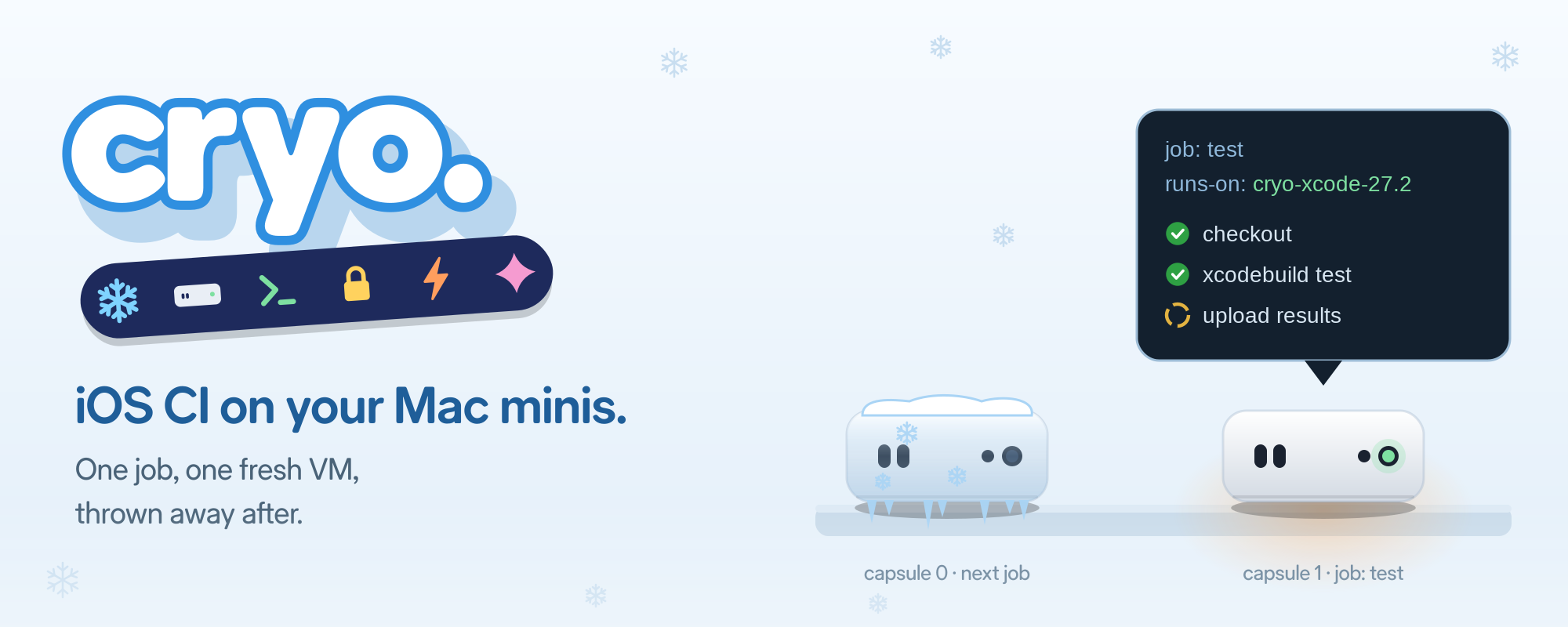
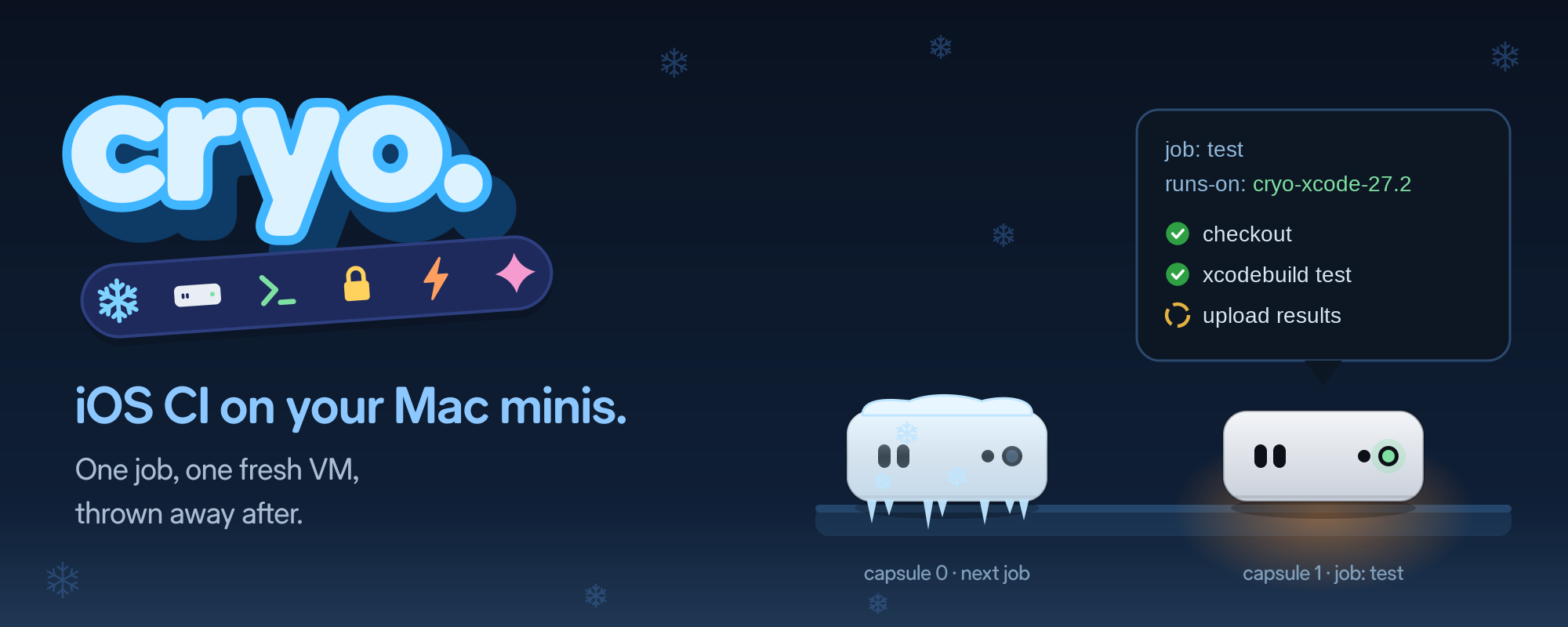
Cryo hands out clean macOS VMs from the Macs you already own. Agents use them over MCP. But the first real user of Cryo was not an agent. It was CI for my iOS app.
This post is about cryo-ci: GitHub Actions jobs on capsules.
The setup
On the Mac that runs the bay:
brew install rizwankce/tap/cryo-ci
cryo-ci github login                     # a token with admin rights on the repo
cryo-ci install --repo owner/app         # runs as a LaunchAgent next to the bay
In the workflow, one label:
jobs:
  test:
    runs-on: cryo-xcode-27.2
    steps:
      - uses: actions/checkout@v4
      - run: xcodebuild test -scheme App -destination 'platform=iOS Simulator,name=iPhone 18 Pro' -parallel-testing-enabled NO
That is it. No runner to register by hand, no runner to keep alive, no runner to clean.
One job, one fresh VM
The usual self-hosted runner is one long-lived machine. Every job leaves something behind: a Simulator in a strange state, a full disk, a global tool someone installed. Over time the machine drifts, and you start debugging the runner instead of your app.
cryo-ci never reuses a machine. Here’s a job from start to finish:
 GitHub: job queued for runs-on: cryo-xcode-27.2
   1  cryo-ci polls queued jobs every 10 s
   2  leases a capsule (with the repo's cache disk)
   3  asks GitHub for a one-job runner config
   4  copies the runner into the VM and starts it
   5  GitHub runs the job: checkout, build, test
   6  runner exits → release → the VM is deleted → a fresh one thaws
The runner registers for exactly one job and is gone after it. The VM is gone too. The next job gets a clean Mac, restored from the same frozen state.
A few choices worth calling out:
- Polling, not webhooks. No public URL, no tunnel into your home network. A poll every 10 seconds stays well inside GitHub’s API limits for a few repos.
- The runner is not in the image. cryo-ci keeps the latest runner release on the host, checks its SHA-256 against the release notes, and copies it in per job. Images stay generic. Unpacking it on the VM disk takes about 2 seconds.
- Lease first. cryo-ci gets a VM before it asks GitHub for a runner. While the bay is full, nothing is registered, so no runner sits there waiting for a machine.
- Labels from the image. A bay offers
cryo,cryo-<image tag>andcryo-macos-27. A job that asks for a label the bay does not have is left for another runner.
Caches without trust problems
Each repo gets a cache disk for DerivedData and packages. Every job reads it. Only runs on the default branch save it back.
That rule matters. A pull request can run any code it likes. If PR jobs could write the cache, one bad PR could poison every build after it. Reading is fine. Writing is for code that is already merged.
Real numbers
My iOS app’s unit tests: 60 Swift Testing tests, built and run on the Simulator.
| Run | Time |
|---|---|
| CI job, first run | 2 min 30 s |
| CI job, second run | 2 min 27 s |
| CI job, from a Homebrew install | 2 min 29 s |
| Same build and test by hand (direct lease) | 128 s |
The job time covers checkout, build, Simulator boot and tests. The ~20 s gap over a manual lease is mostly GitHub Actions overhead. Getting the VM in the CI path took 2.5 to 3.4 seconds, most of it attaching the cache disk.
Cryo’s own CI runs on a bay too. swift test plus a signed release build takes 1 min 36 s there. That job runs on pushes to main only, so a pull request from a fork never reaches my Mac.
Agents and CI share the Macs
This is the part I like most. CI and agents use the same bay and the same queue.
 agents (MCP) ──┐
                ├──▶ bay queue ──▶ capsule 0
 GitHub jobs ───┘                  capsule 1
A Mac mini running only CI sits idle most of the day. A Mac mini running only agents sits idle at night. On one queue, first come first served, the same two VMs do both.
What I learned running it
Running it for real found bugs that tests never did:
- The label drifted. My image tag changed, so the bay offered a label my workflow did not ask for. The job just sat queued. Nothing failed, which is worse.
- Homebrew and launchd disagree on PATH. cryo-ci runs as a LaunchAgent, and launchd’s PATH does not include
/opt/homebrew/bin. Every job failed withcommand not found: cryountil cryo-ci learned to find the Homebrew install itself. - A binary overwritten in place gets killed. Copying a new signed
cryoover the old file kept the inode, and macOS killed every launch after. The build script now writes a new file and renames it.
The PATH and binary bugs are fixed in the current release. For labels, pin your workflow to one the bay offers, or use plain cryo.
What it does not do yet
- GitHub Actions only. No other CI systems.
- Two jobs at a time per Mac. Apple allows two macOS VMs per Mac. A third job waits.
- The Mac stays logged in. The bay and cryo-ci run as LaunchAgents in your session, and the GitHub token lives in your login Keychain.
Try it
You need a Mac with the cryo bay set up first. Then:
brew install rizwankce/tap/cryo-ci
cryo-ci install --repo owner/app
The code is at github.com/rizwankce/cryo-ci. If your iOS CI is a long-lived runner that slowly rots, I would love to hear how this compares.